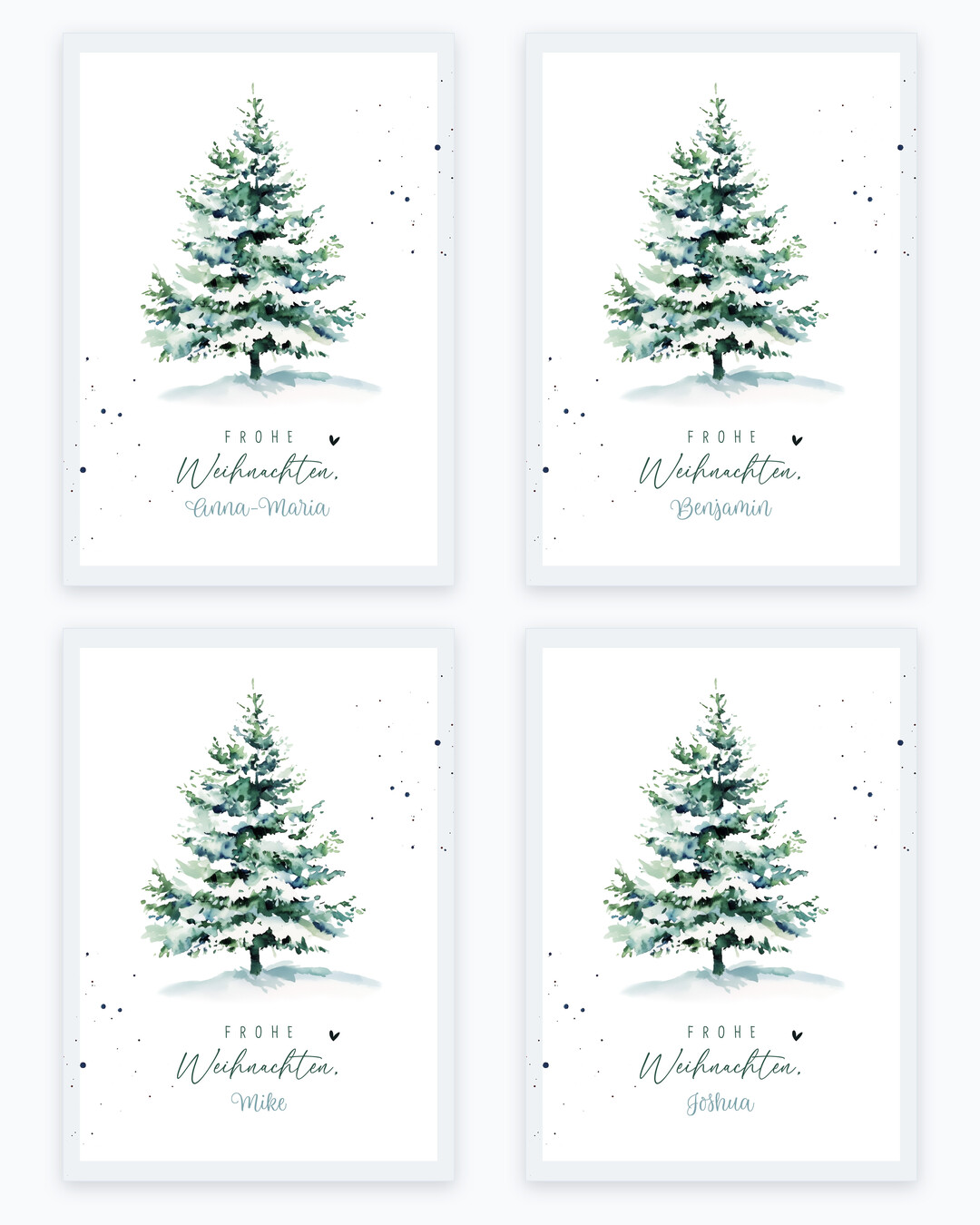
Create Personalized Christmas Cards
Learn how to automatically create personalized Christmas cards from a single template in the Lettering Generator, for example based on a list of names.
“Dynamic Text” is available in the Plus version.
Open example file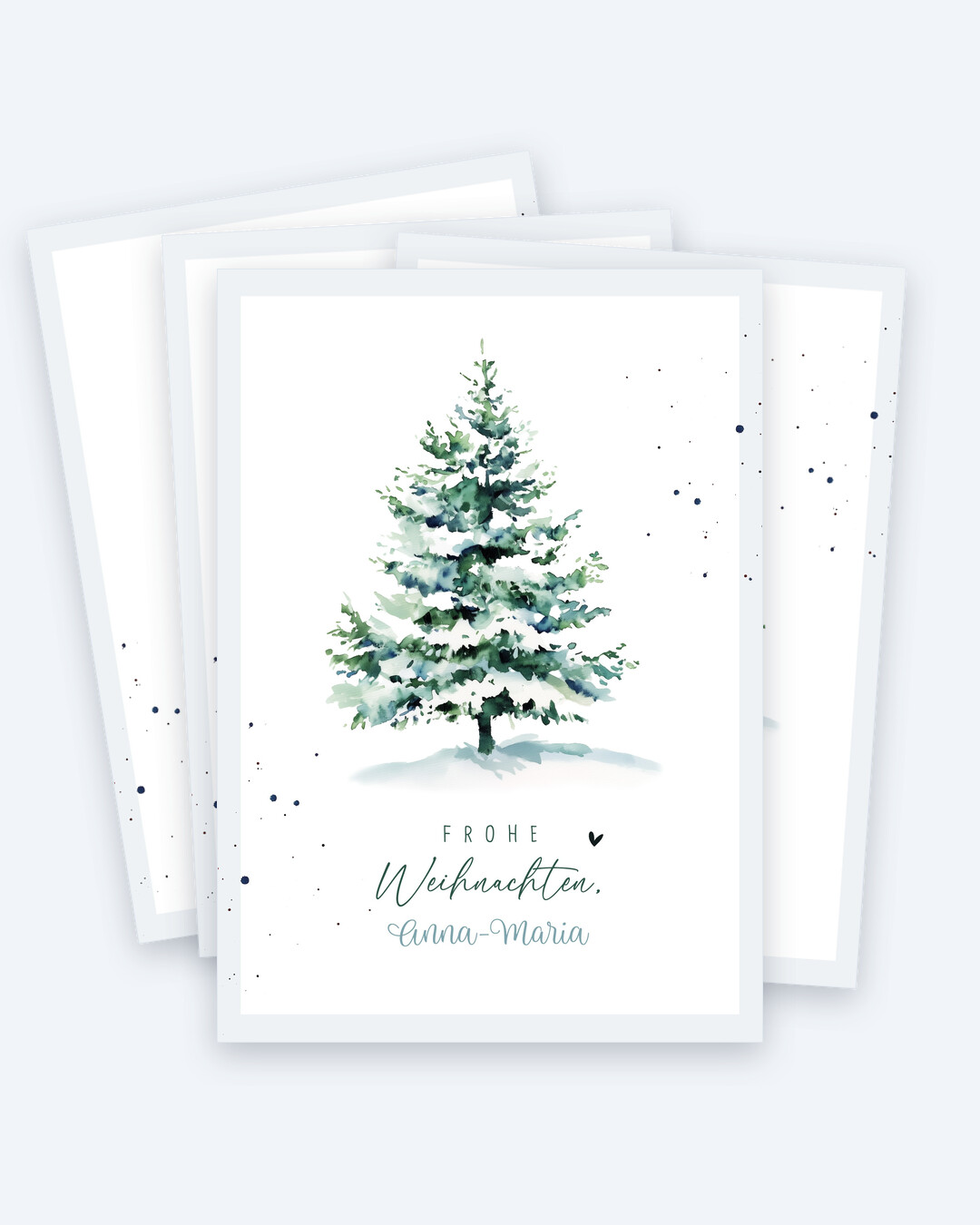
1. Open a Christmas template
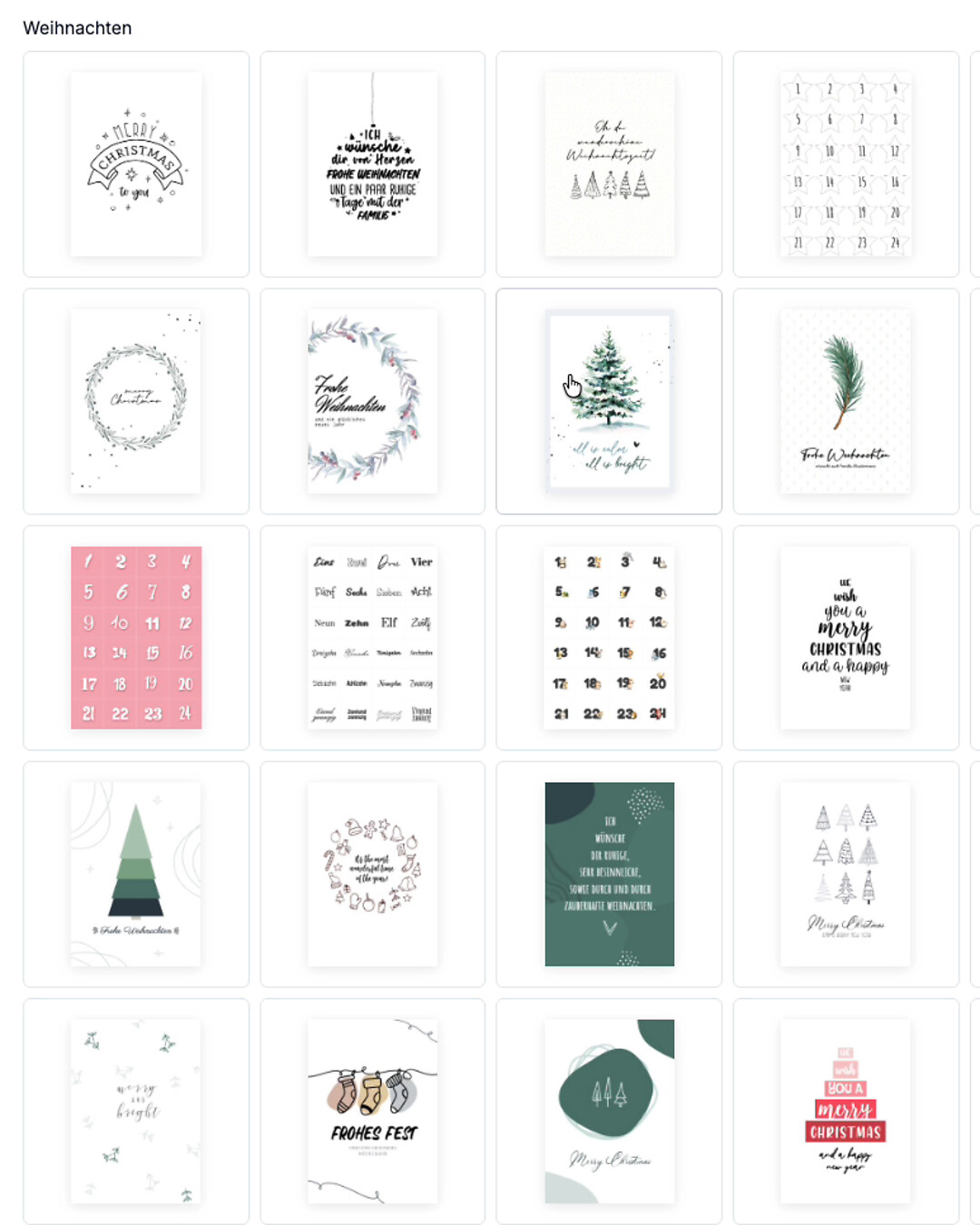
Go to Open → Templates Gallery and pick a template from the “Christmas” category. Of course, you can also create your own design. It needs at least one text that will later be replaced by the names (in this example, the name “Maria”).
2. Turn the name into a dynamic text field
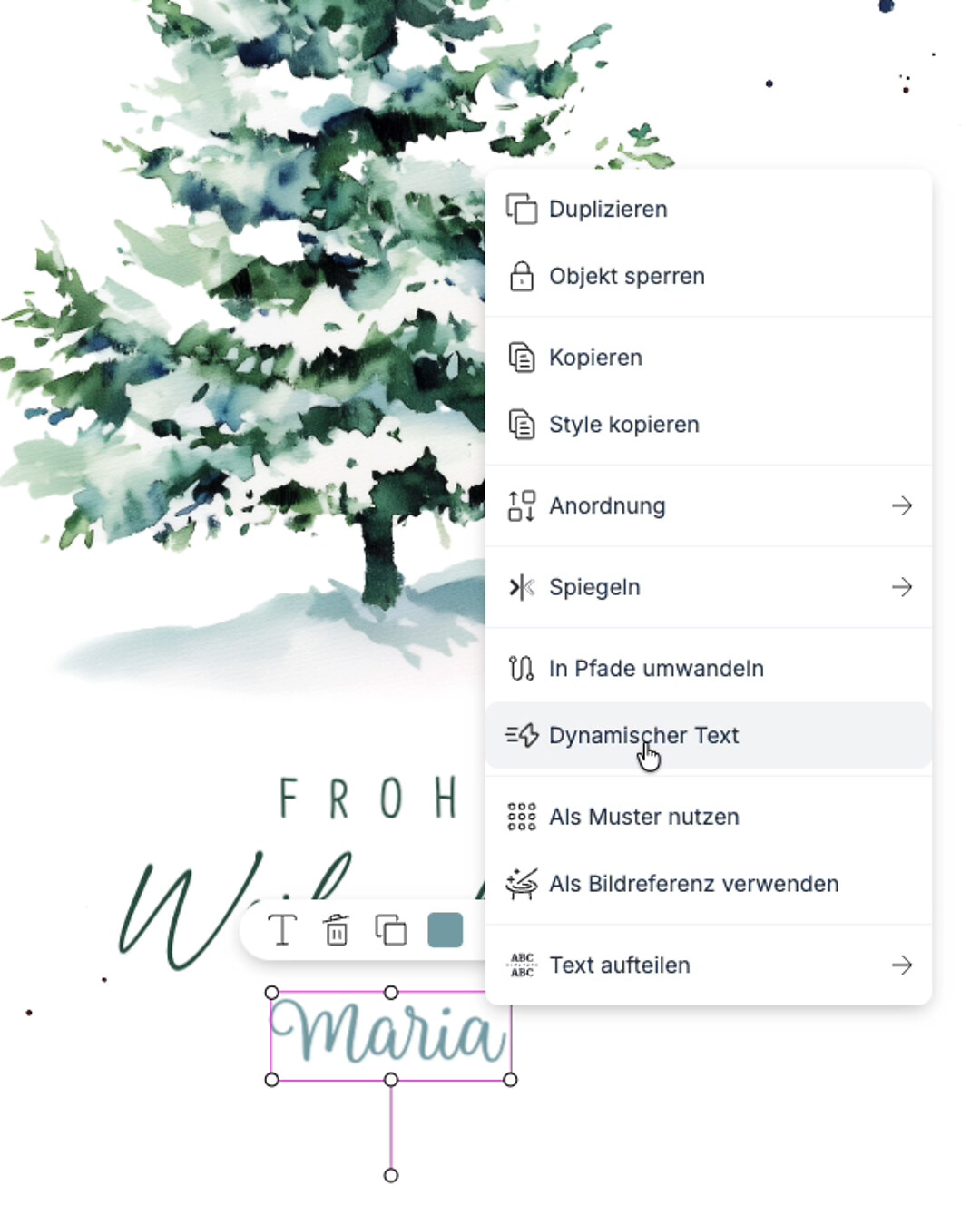
Simply right-click the name and choose Dynamic Text from the context menu.
3. Add the names
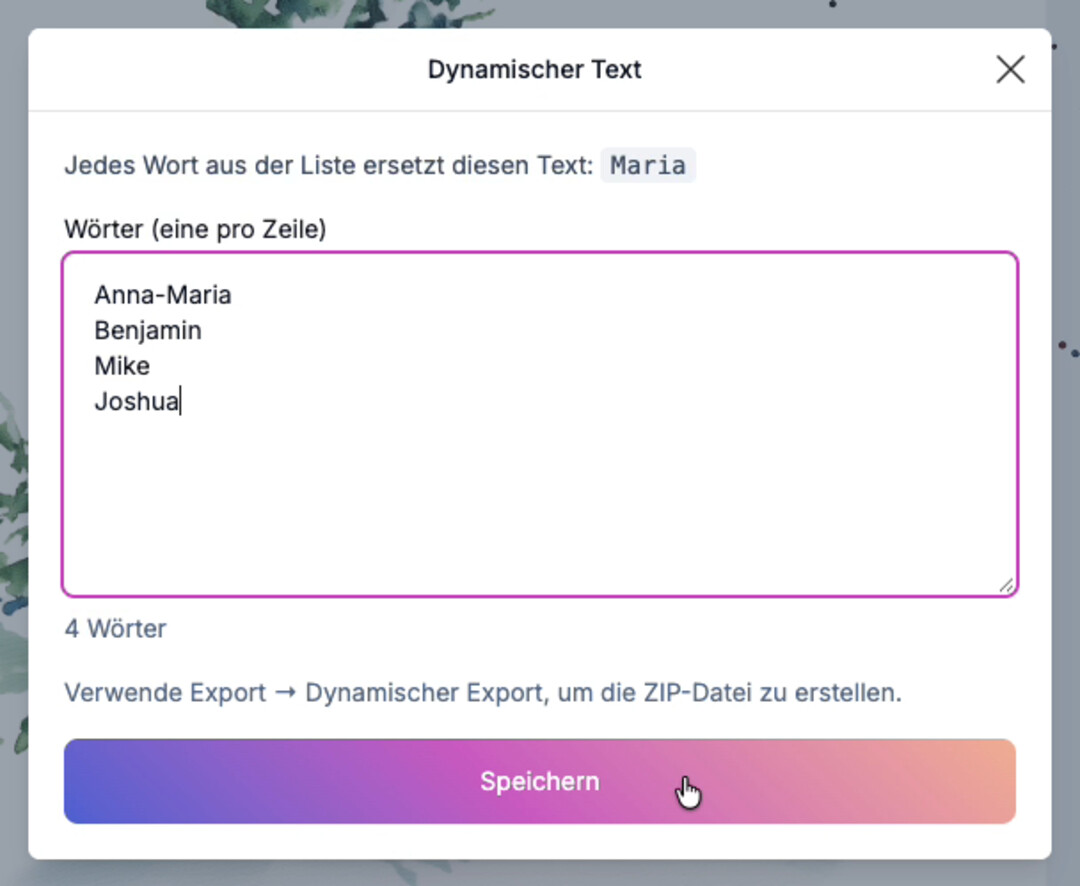
Enter all the names you want a separate Christmas card for. One name per line. Then click Save.
4. Export the cards
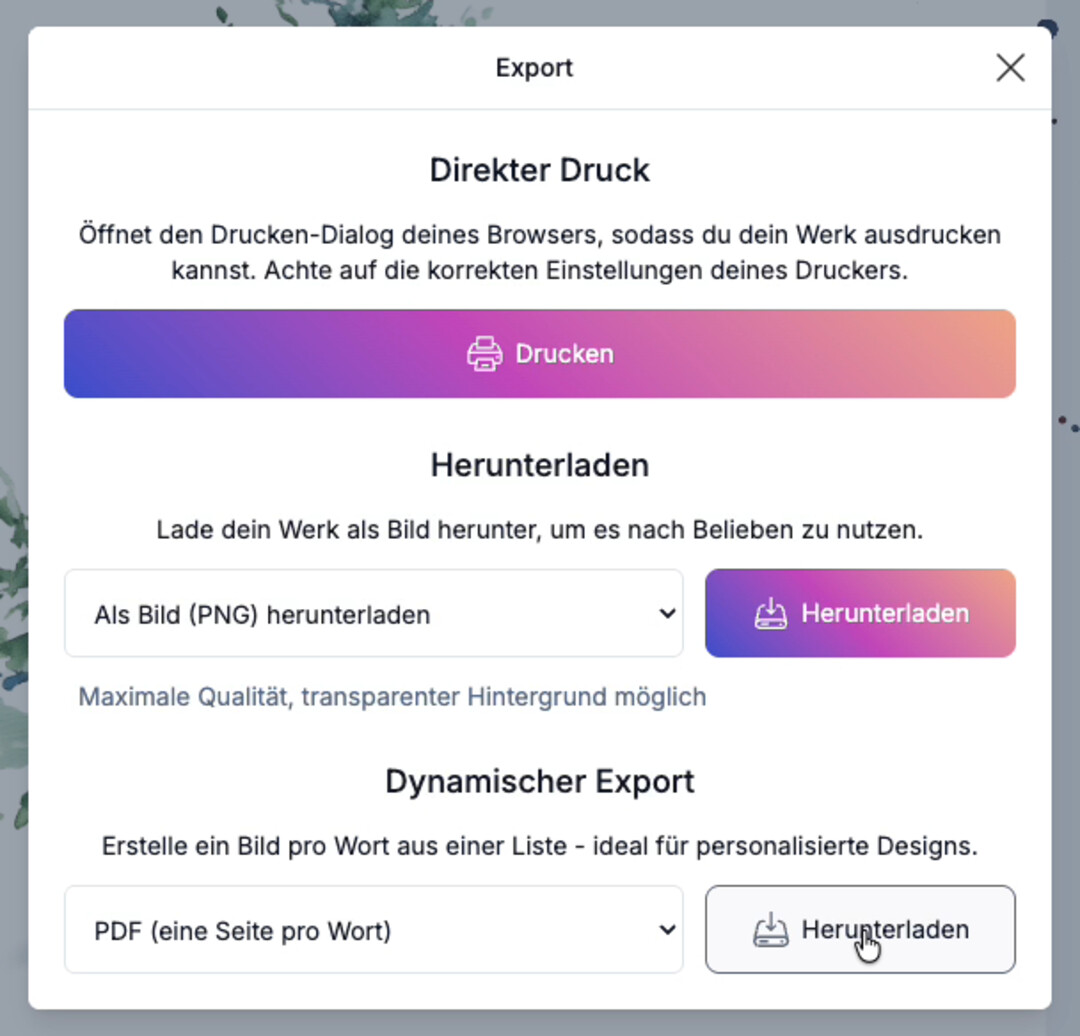
Open Export and choose PDF (one page per word) in the “Dynamic Export” section. Then click Download next to it. This gives you a PDF file with all the individual cards.
If you choose JPG or PNG instead, you get a ZIP file with one image per name.
5. Use your personalized Christmas cards
In the finished PDF, every name gets its own page. The design is the same on every card. Now all you have to do is quickly print the cards (or have them printed on proper card stock). Merry Christmas!