Create Sticker Style
Learn how to create the look of a sticker in the Lettering Generator. With the right effects, your fonts and graphics will look like real stickers.
Open example file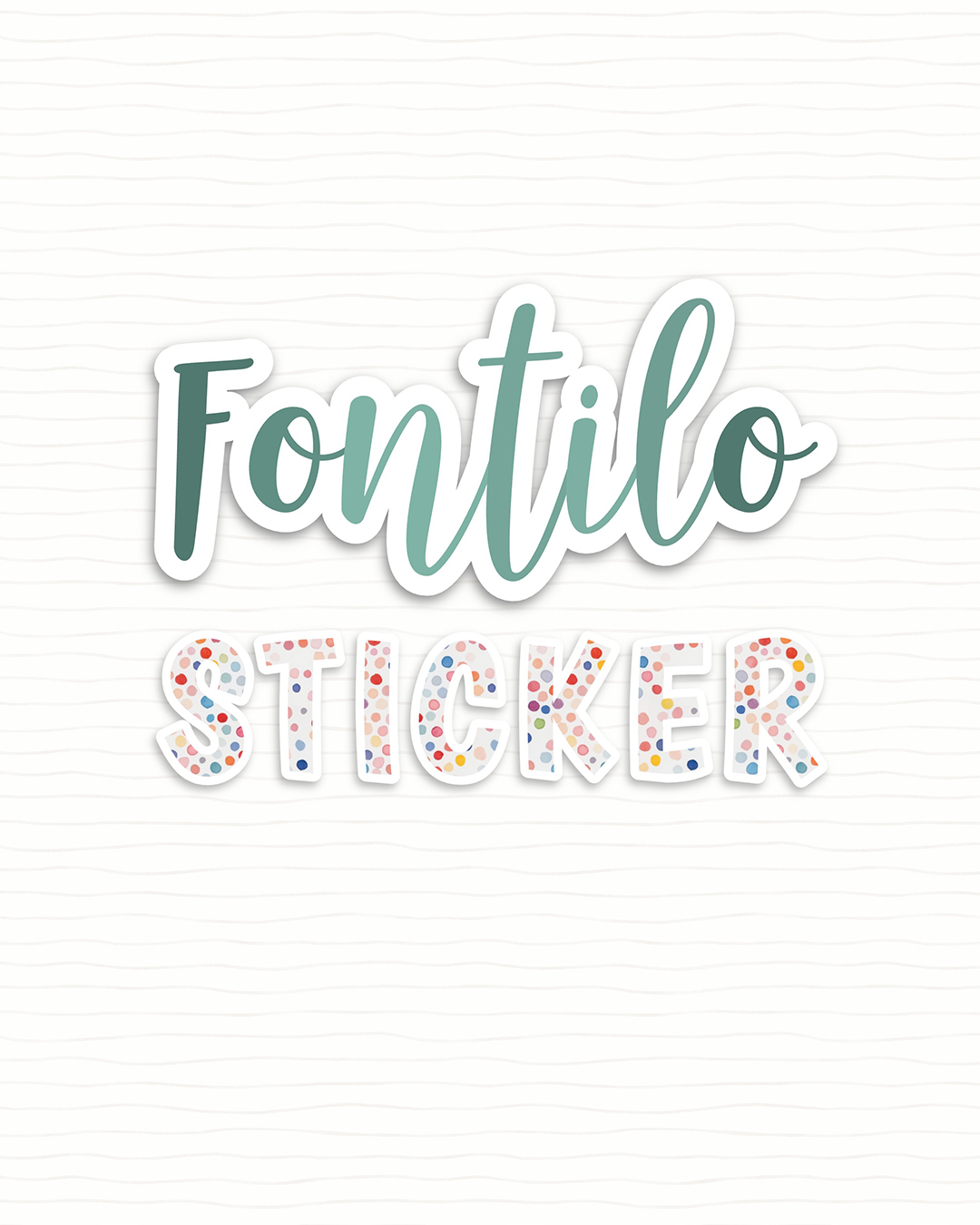
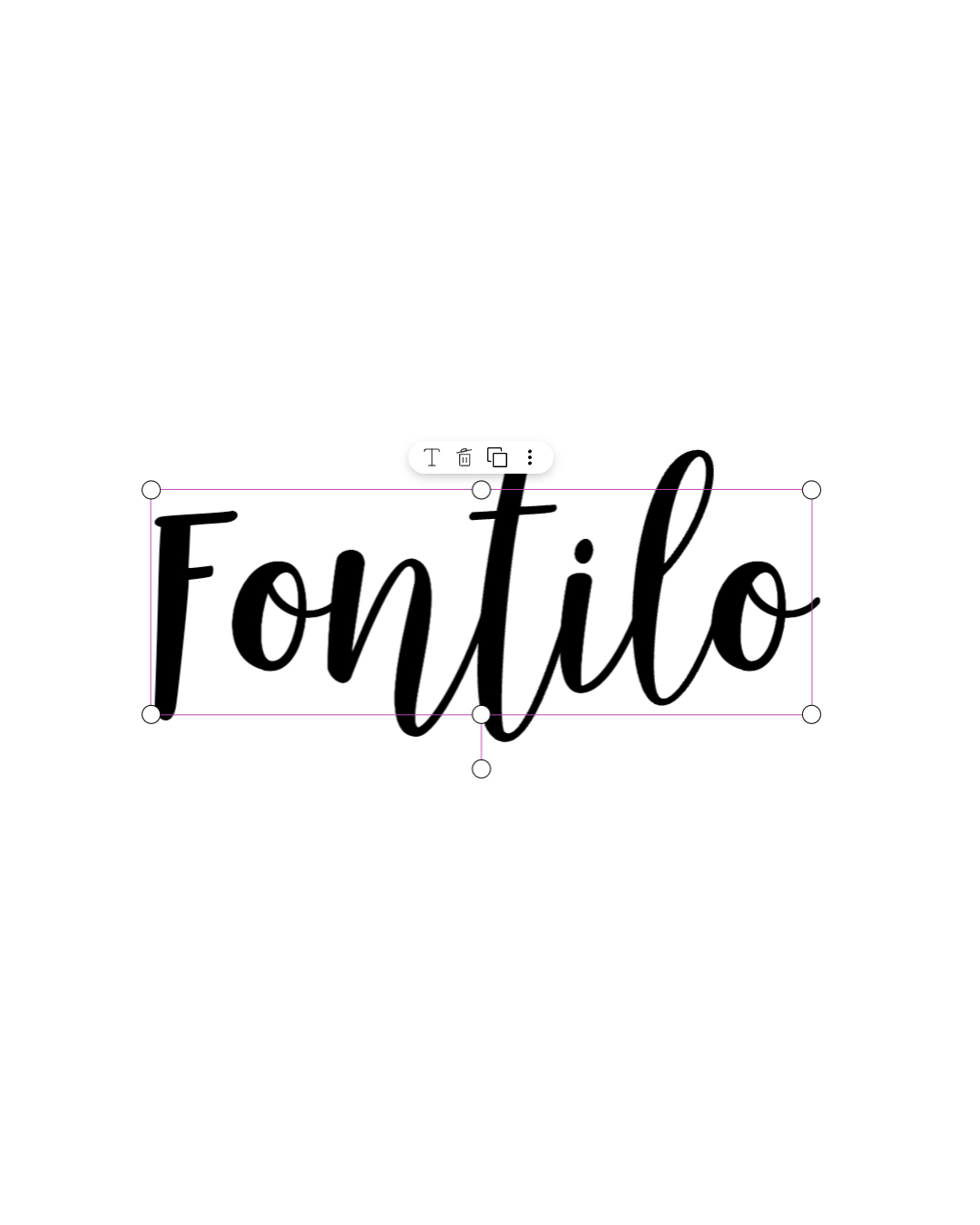
1. Add text
Add a text in a suitable font on your canvas.
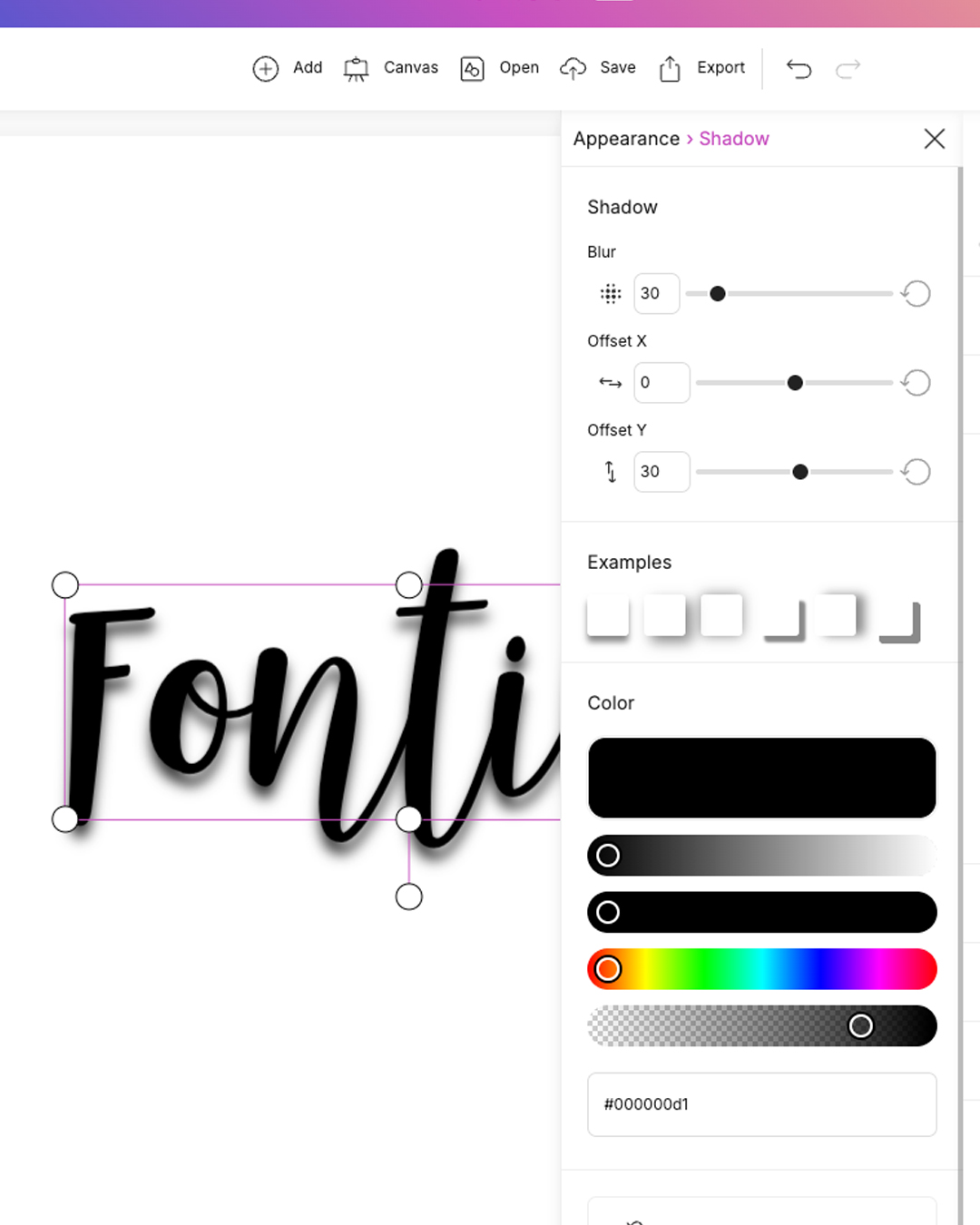
2. Add shadow
Choose a suitable drop shadow from the examples.
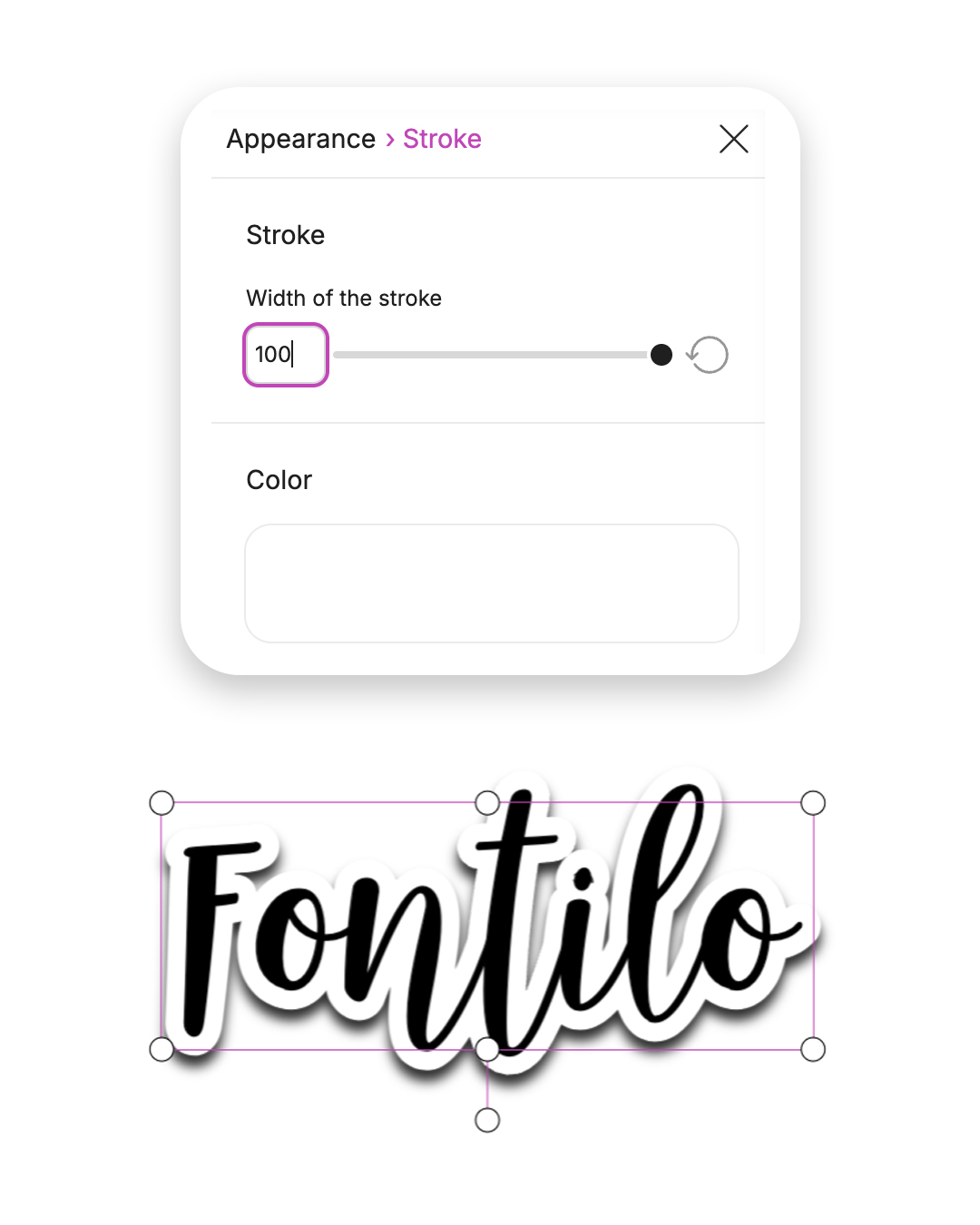
3. Create white outline
Now give your text a white outline. Choose a high line thickness so that the sticker effect comes into its own.
4. Colors and fine-tuning
Adjust the alignment and opacity of the drop shadow. Experiment with color tones that suit your design well.
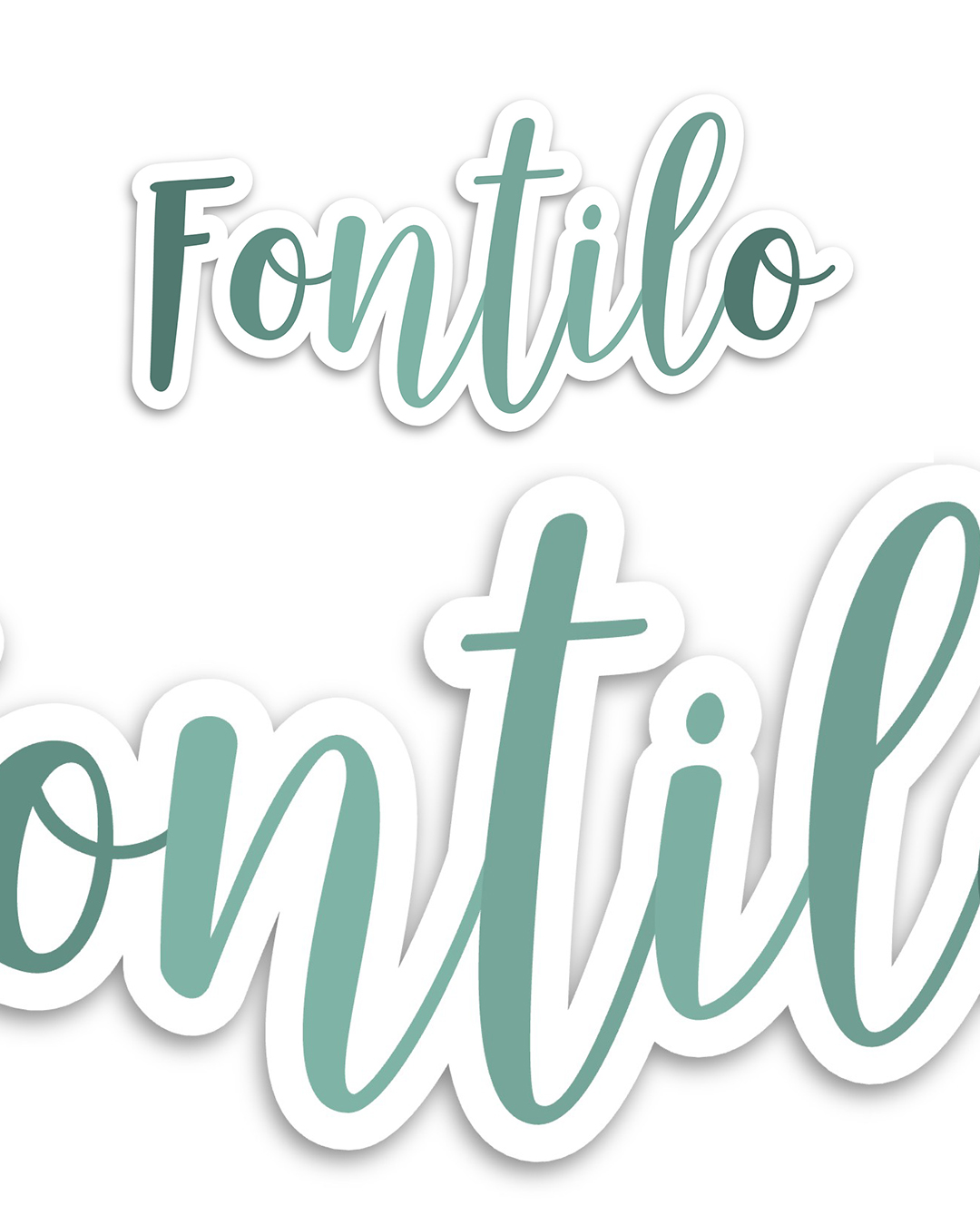
5. Bonus: Patterns and background
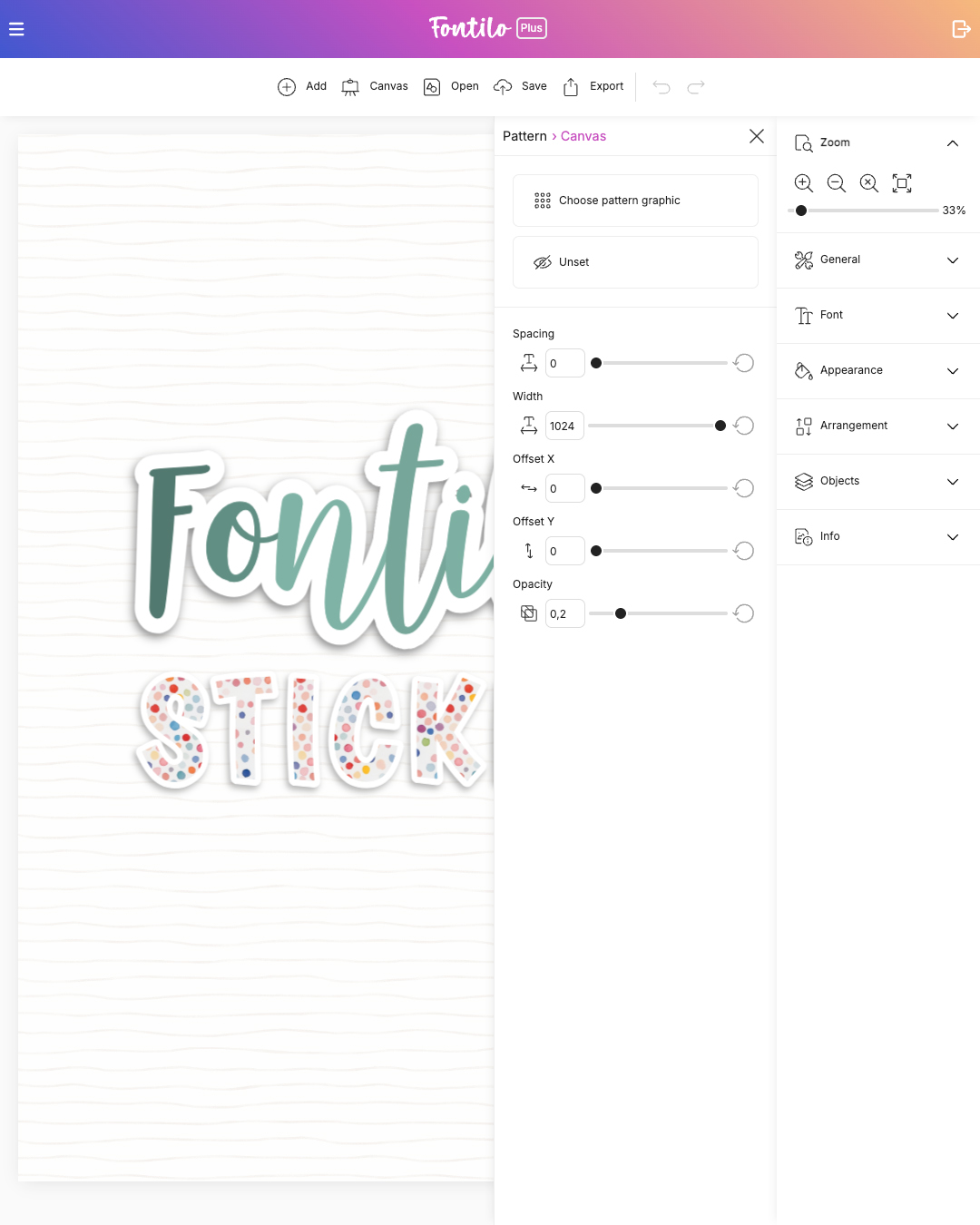
Test different fonts to enhance the sticker look. You can add a pattern to your font or the background to make the effect even more interesting.